Last modified by: The Includables -
How Do I Delete a Shift in Daily Approval?
To remove a record so that it does not flow through to Payroll, click the check box for the shift record
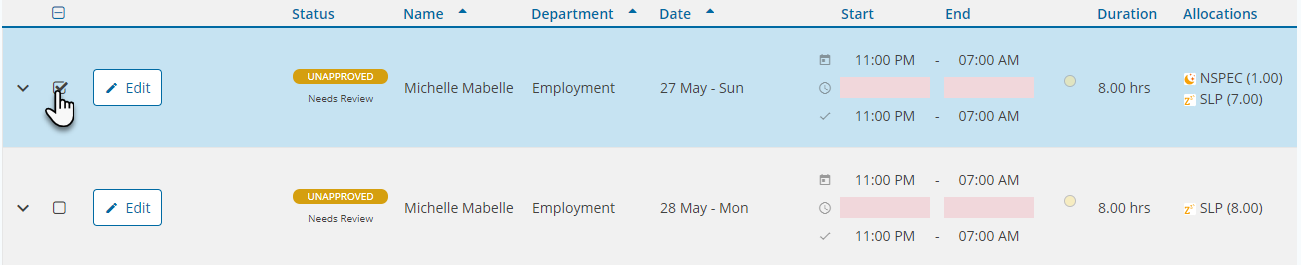
then select Delete.

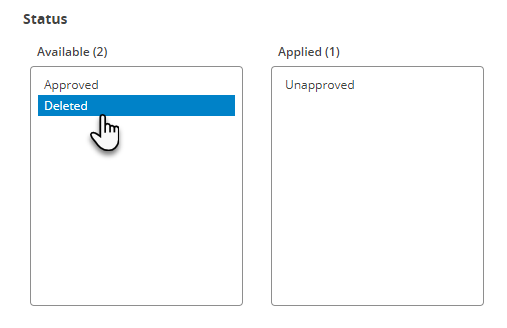
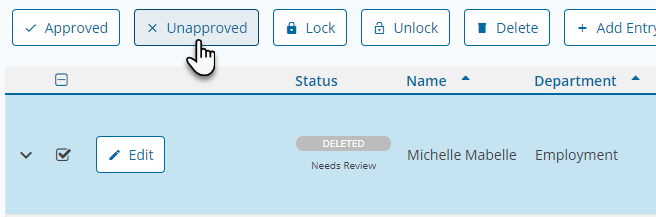
Note that if you accidentally delete a shift, you can use the Status option in the filter section to unhide and display them and change them back to Unapproved.