Last modified by: The Includables -
How do I add a terminated employee to an input sheet?
Sometimes you may need to add an employee who has already been terminated to a pay sheet because it is their last pay period (Or any other reason). Here's how you would do that.
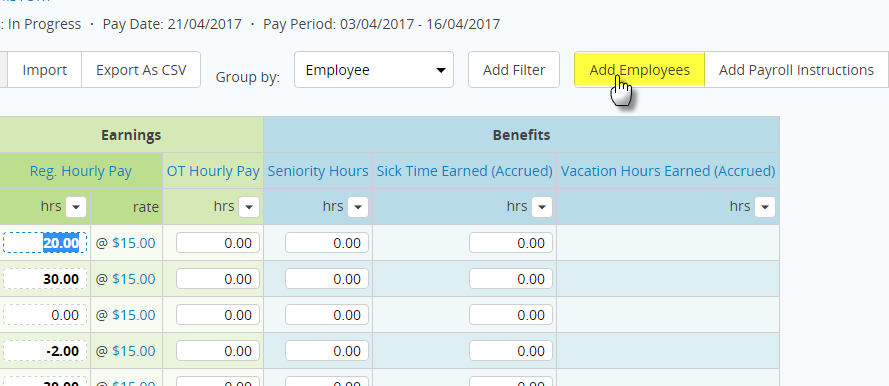
1. Above the earnings/benefits/deductions on the input sheet there is an box that says Add Employees. Click it.
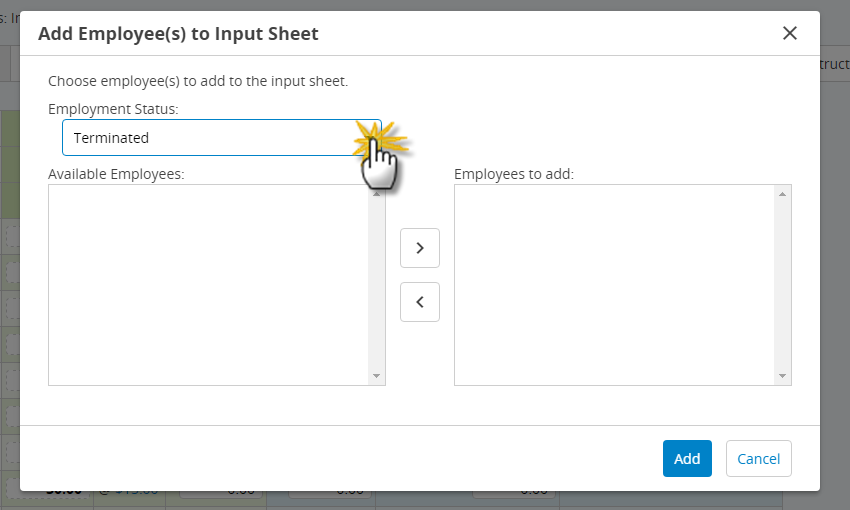
2. A new window will appear. Click on the drop down menu beside Employment Status and select Terminated.
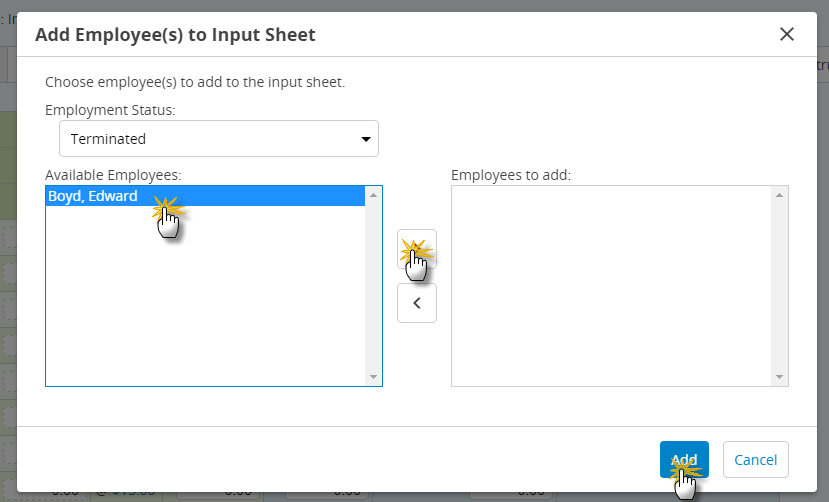
3. Click the name of the terminated employee you wish to add to the input sheet. Then click the right arrow button. Then Click the button titled Add.
You should now have the terminated employee added to the input sheet. Happy trails!
