Last modified by: The Includables -
How Do I Create or Add a Shift that I Worked?
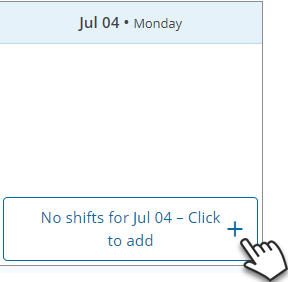
Find the day you wish to add a shift to. Click the '+' button on that day that has the day. That will create a new shift.
Fill in the time you worked, the department, and leave a note if necessary. Once you've done that, click Save.
Related article: What does a shift look like? | How do I add a shift in Time Entry?
