Last modified by: The Includables -
Editing Employees
Sometimes circumstances change surrounding an employee and then edits must be made to that employee's profile. This tutorial takes you through getting to the Employee Maintenance screen from which you can make all necessary edits.
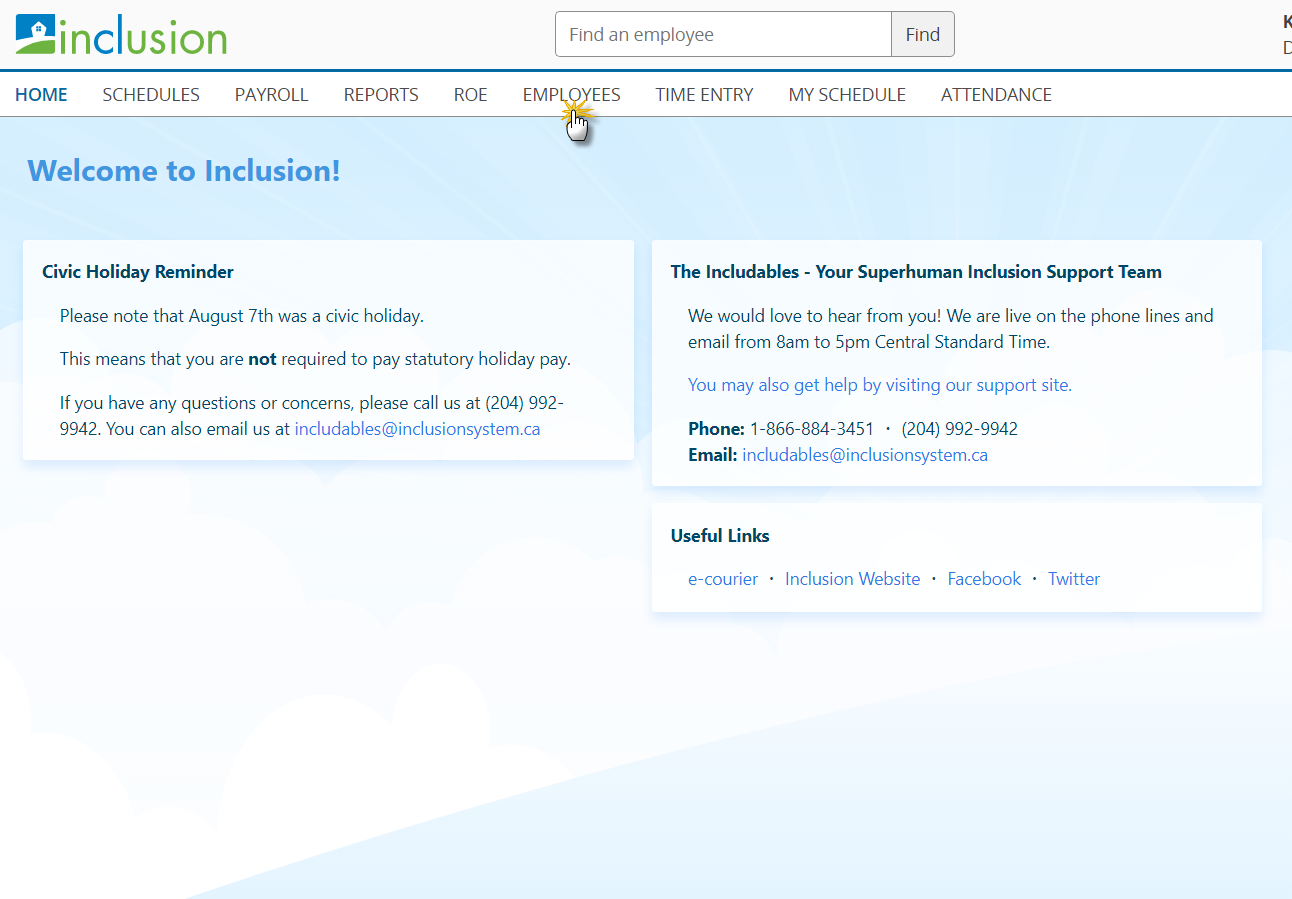
1. From the Inclusion Homepage click on the tab titled Employees.
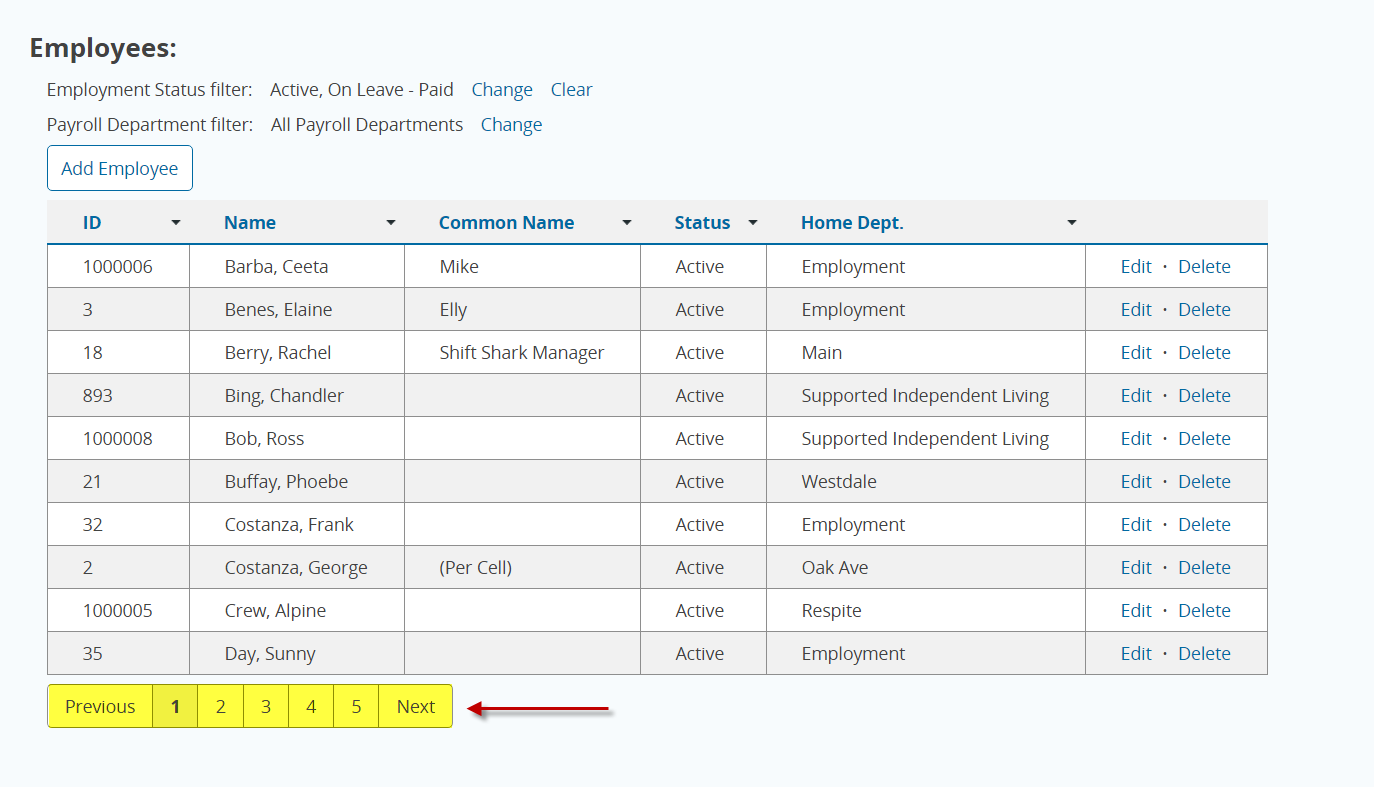
2. Use the Next and Previous buttons to find the page with the desired employee on it. If there are a lot of employees, using the Find option in the top menu bar may be a faster way to find the employee you are looking for.
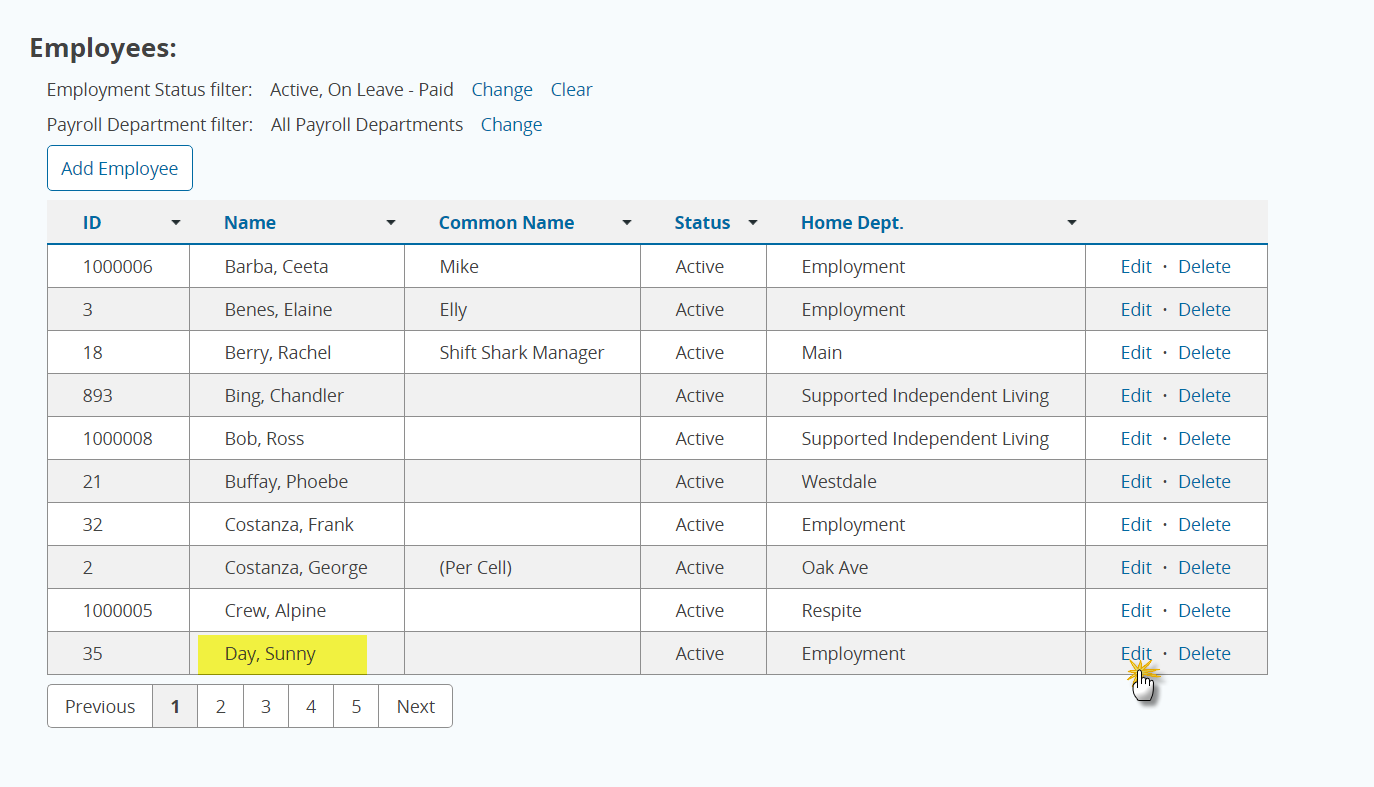
3. Once you have found the name of the employee you need to edit, press the button titled Edit.