Last modified by: The Includables -
Editing Employee Tax Information
While all employees are automatically set for the basic exemptions on both Federal and Regional tax sometimes you must add some tax configurations. This tutorial teaches you how to do that starting from within the Employee Maintenance Page. To learn how to get there see our Editing Employees Tutorial.
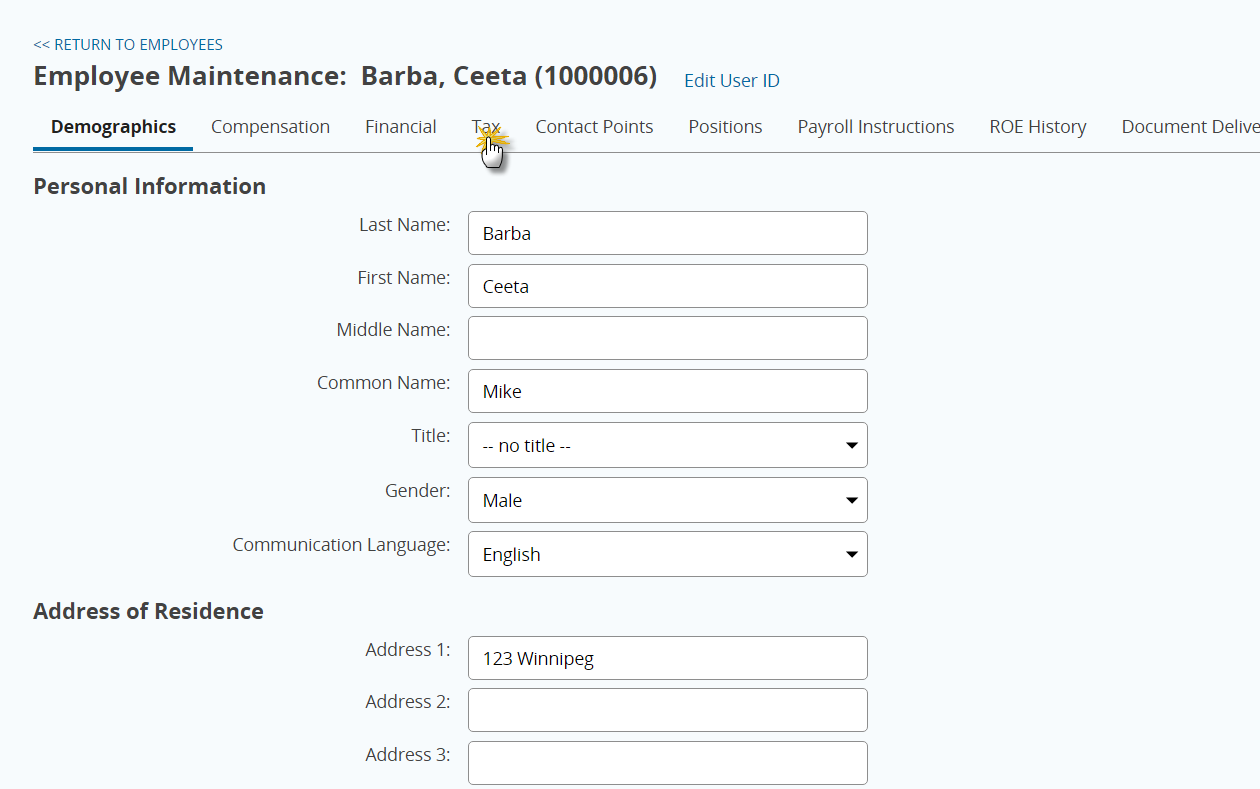
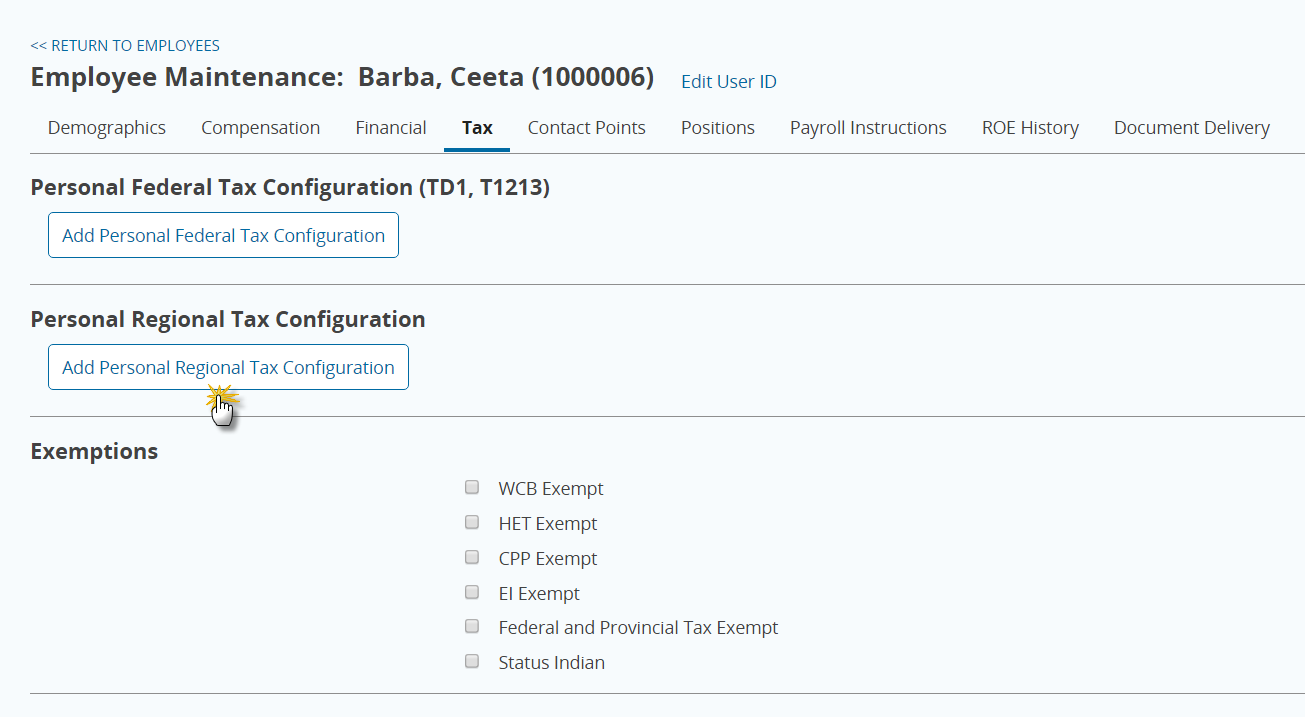
1. Click on the Tax tab.
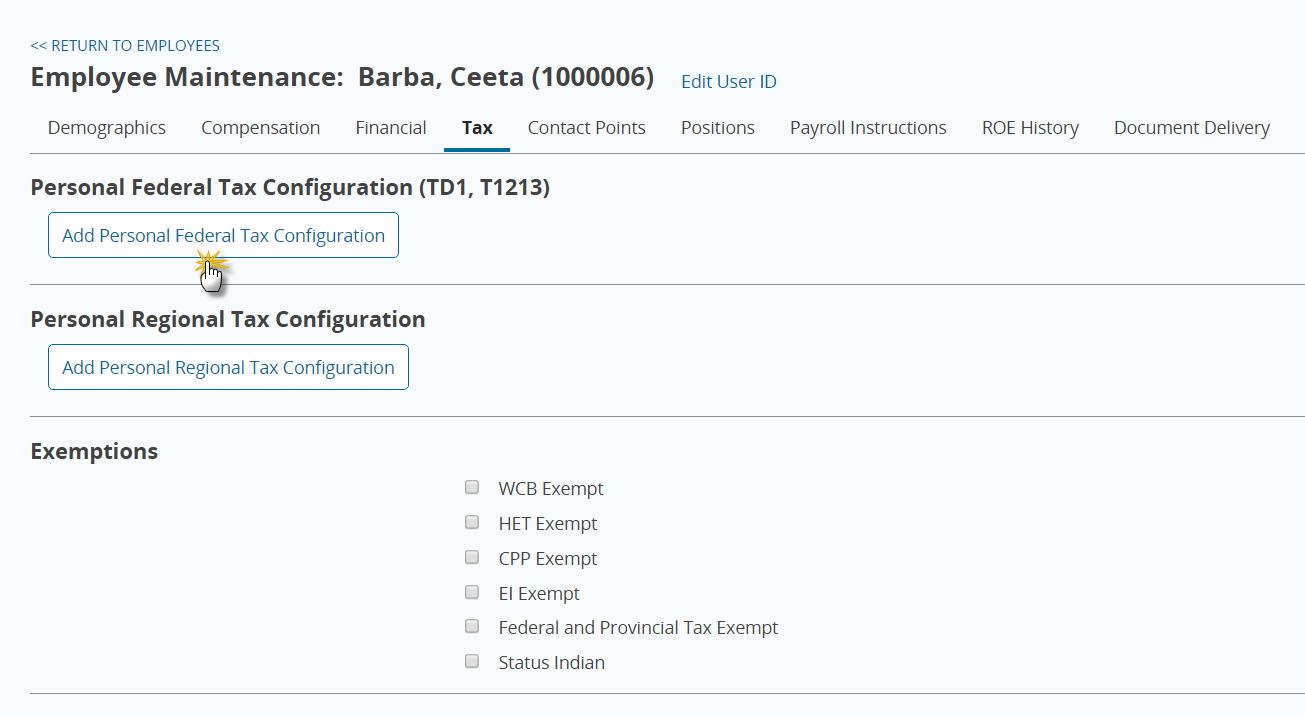
2. To customize Federal Tax click the button titled Add Personal Federal Tax Configuration.
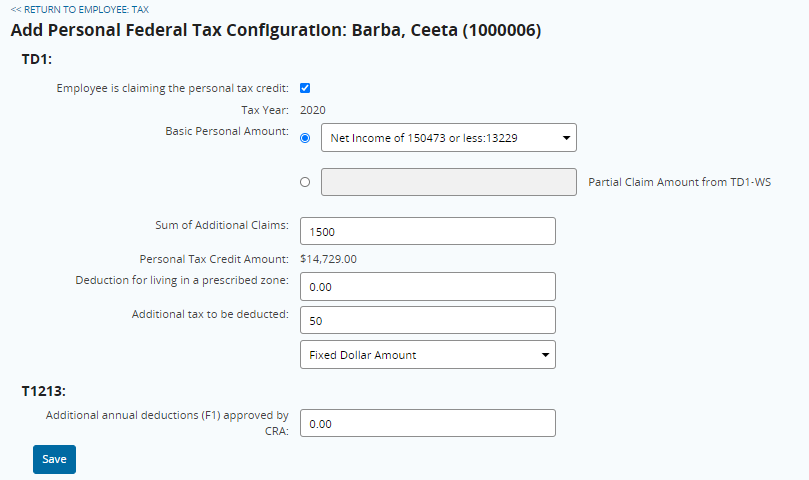
3. Enter Additional Claims to change the exemption or Additional Tax to be deducted.
Note that as of 2020, the Federal Basic Personal Amount changes based on income level. Select the option from the dropdown that applies to the employee's income level.
4. To customize Regional Tax, click Add Personal Regional Tax Configuration.
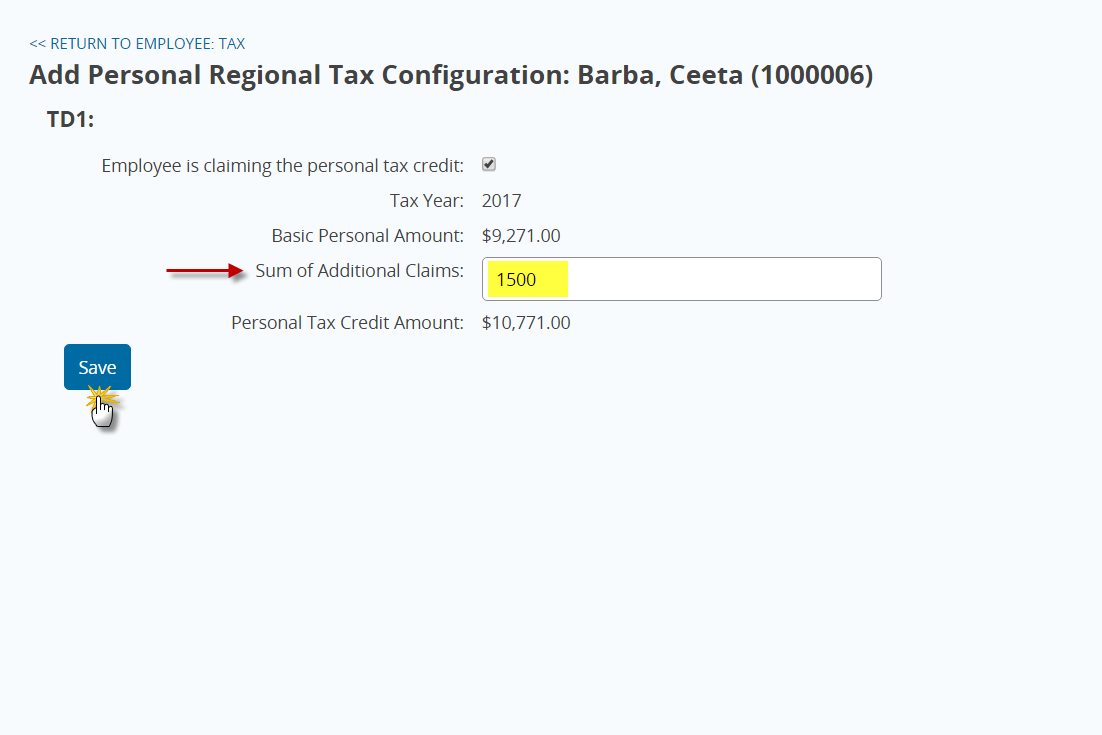
5. Enter any Additional Claims to change the exemption and press Save.
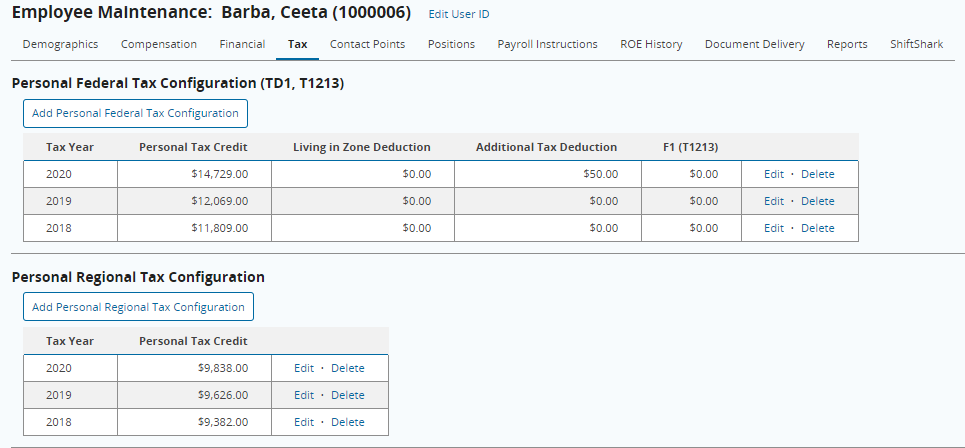
Note that now when you return to the Tax screen you should have tables outlining your newly added configurations.