Last modified by: The Includables -
How do I edit or enter a Schedule?
To edit or enter a schedule you must first navigate to the Schedules chart by clicking the link in the top left corner of the screen that say Schedules.
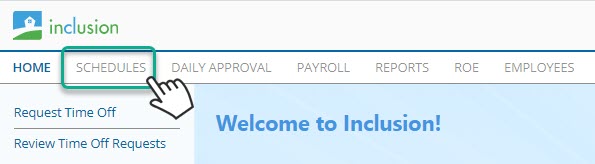
This will open the schedules to the last schedule you looked at. If you have never used scheduling before it will open to a welcome screen.
To change the current schedule or to add a new schedule navigate to the schedule listing panel.
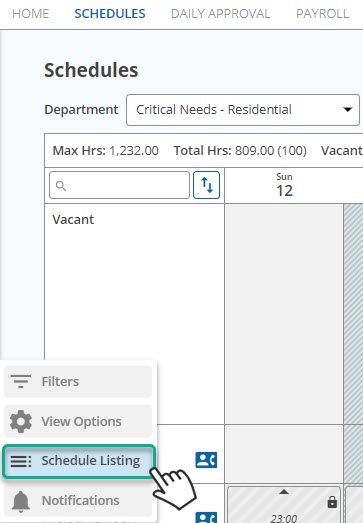
Once you have found the schedule you need you can view or edit.
*Note that you are only able to see or edit schedules you have editing privileges for. If you are in doubt about what privileges you should have contact your system administrator or the Includables at 1-800-335-0039 ext. 580.
