Last modified by: The Includables -
How Do I Enable Sign Off Sheet Printing?
To follow this tutorial you must be a system administrator for your organization. Please call the includables at 1-800-335-0039 ext. 580 or email us at includables@inclusionsystem.ca for more information.
1. Click on your organization's name in the top right corner of the screen. Select Organization Details.
2. Click on the tab titled Scheduling.
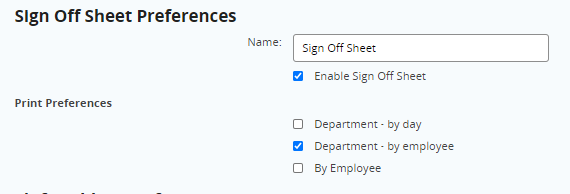
3. Scroll to the bottom of the page. Click the checkbox titled Enable Sign Off Sheet and then click Save.