Last modified by: The Includables -
Layout
-
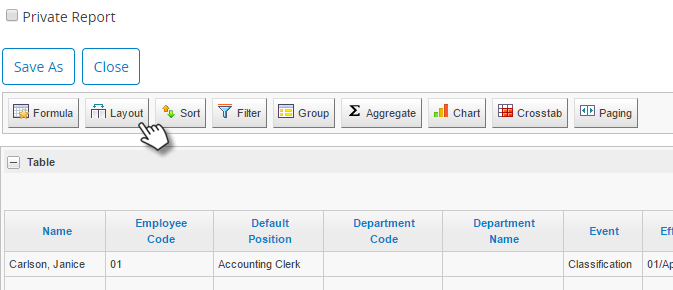
Use the Layout tab to reorder your columns, as well as hide those that you don't need.
-
Columns that are leftmost will appear highest on the list.
-
Columns that are checked will be in your report. Uncheck those that you want to hide.
-
Hidden columns can be made visible again at any time.
-
Note that you can still create Formula's based off data in a column that is hidden.
-
Once all Layout adjustments have been made, click OK at the bottom of the list to save.
