Last modified by: The Includables -
Paging
-
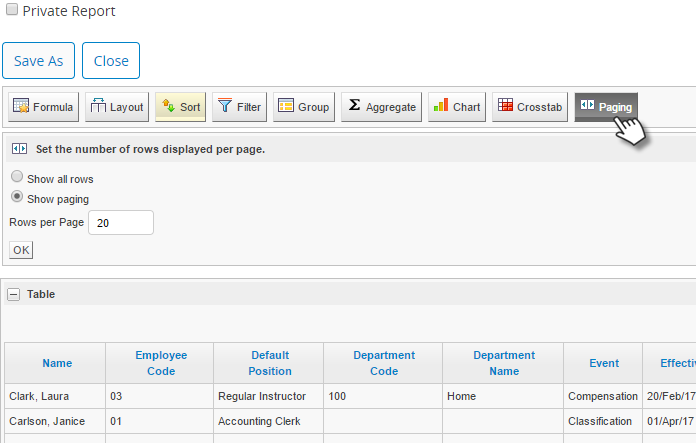
Use the Paging button to define how many rows you want to see per page.
-
There are two radio buttons under the Paging button:
-
Show all rows:
Choose this option if you want to see all the rows in one page. (For larger reports do not not use this option as it takes longer to load all the data on the page. In some cases the report may no longer be able to run at all.)
-
Show Paging: This is the default setting and gives you the paging controls right above your table.
-
Rows per Page: The default setting is 20 rows per page, but you can enter any whole number you wish to view your report better.
-
Click OK to save your configuration.
