Last modified by: The Includables -
How do I delete an employee shift?
There are two ways you can delete an employee shift:
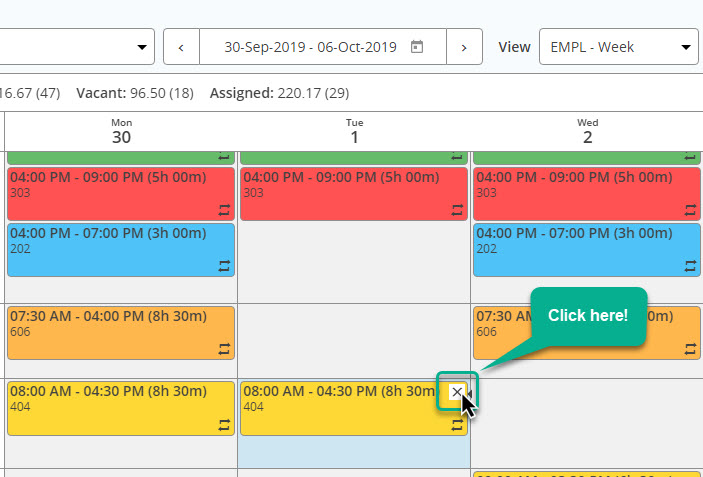
Option 1: Click on the small "x" that shows up in the top right corner of the employee shift:
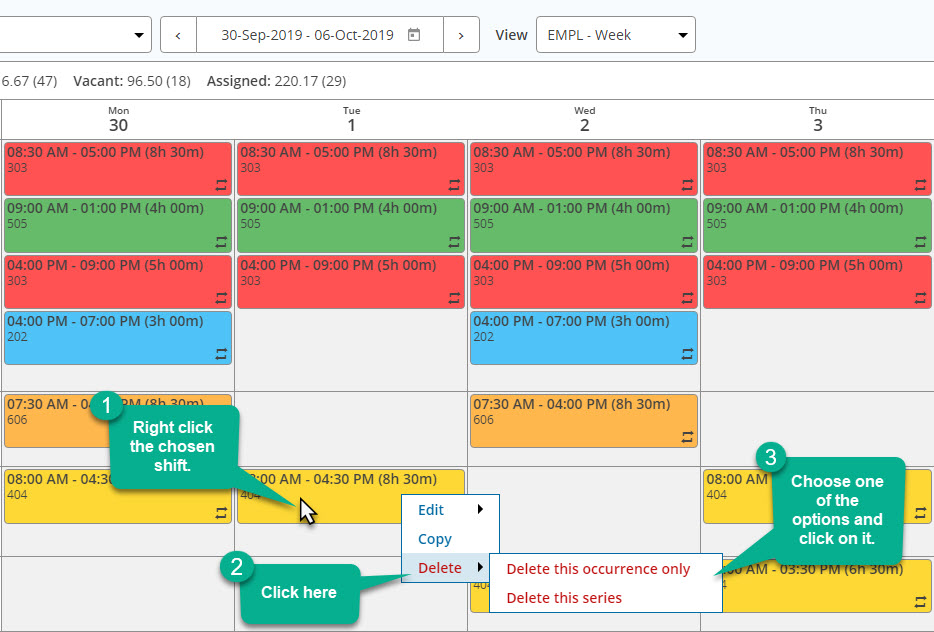
Option 2: Right-click the shift you wish to delete. A small menu will appear. Click the option that says delete. A second small menu will appear. Choose one of the option and click on it.
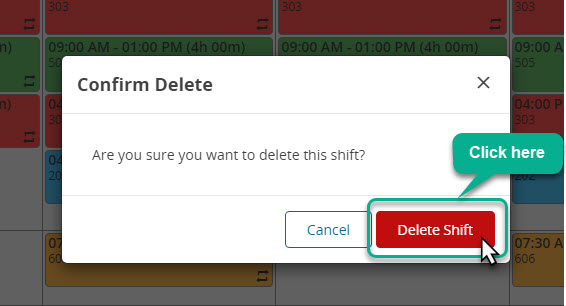
Another window will appear. Click on Delete button to delete the shift.