Last modified by: The Includables -
Where's the Pay Period Schedule Report and How Do I Use it?
The Pay Period Schedule report is a flexible report that can give you detail on employee schedules filtered by departments and dates.
Finding the Report
From the main schedules view, click on the Reports button and then select the option "Pay Period Schedule Report".

Filters and Options
Employee - Choose whether to see all employee schedules in the department(s) selected or a single employee schedule.
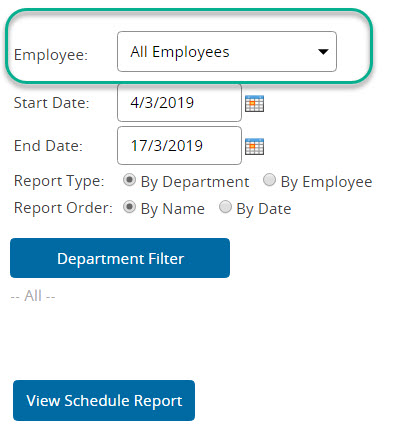
Start Date and End Date - Set the date range of schedules you will see.

Report Type - See department schedules or individual employee schedules.

Report Order - Either order the schedules by date or by Dept/Employee (Depends on your report type.)

Department - Choose whether to see employee schedules from all departments or just one. This is dependent on your user privileges (You may not be able to see all depts if you don't have the access)
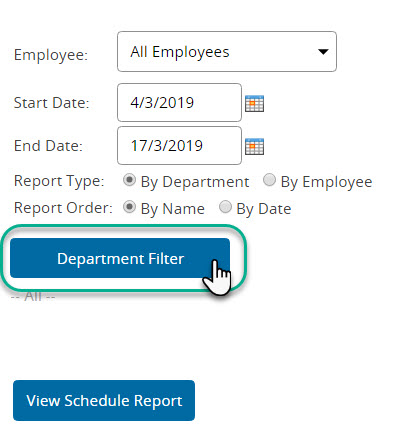
Once options are set click the button titled View Schedule Report to load the report.

