Last modified by: The Includables -
How to turn on On Call Mode
On Call Mode allows a ShiftShark user to temporarily send out and see calls in departments that they normally would not be responsible for.
This toggle button will only be accessible if a specific permission is enabled in the user profile by your organization administrator.
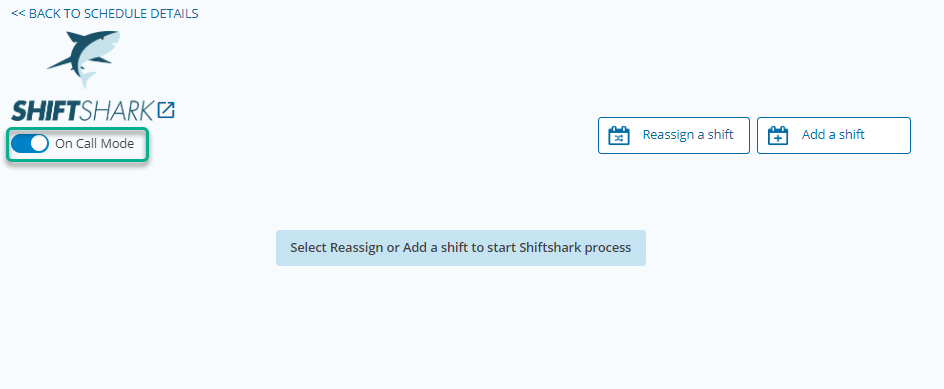
To use On Call Mode, simple slide the toggle on (blue).
To stop using On Call Mode, slide the toggle off (grey).
