Last modified by: The Includables -
How to hand off calls between users
Users can easily hand off in progress calls between one another as long as they have access to the same department that the call out is for.
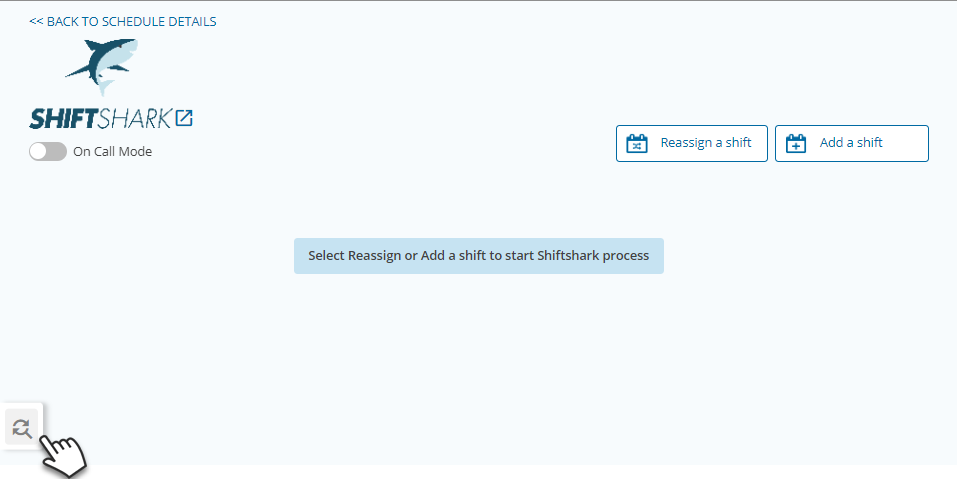
Click the slider panel to view all Active calls.
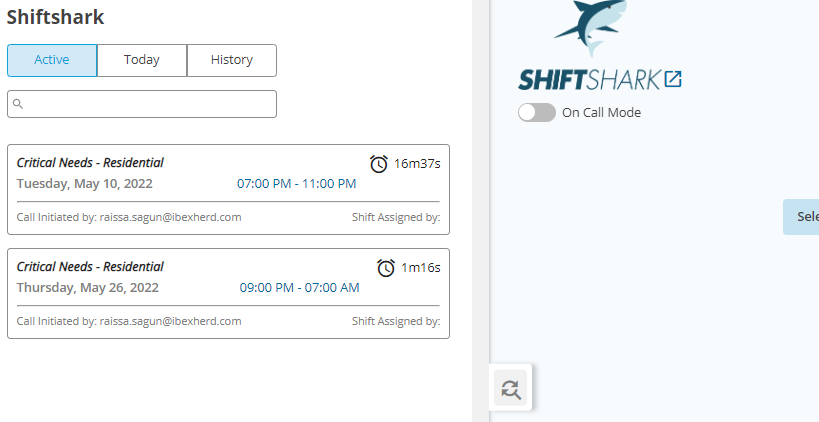
Users who have the same access will see the same calls in the slider panel regardless of who initiated the call. The new user can simply click on the call of interest to see the responses or make edits.
It's that easy! No more canceling and resending shifts or sharing logins.
Bonus:
The call out will record who initiated the call, as well as who assigned the shift.
